
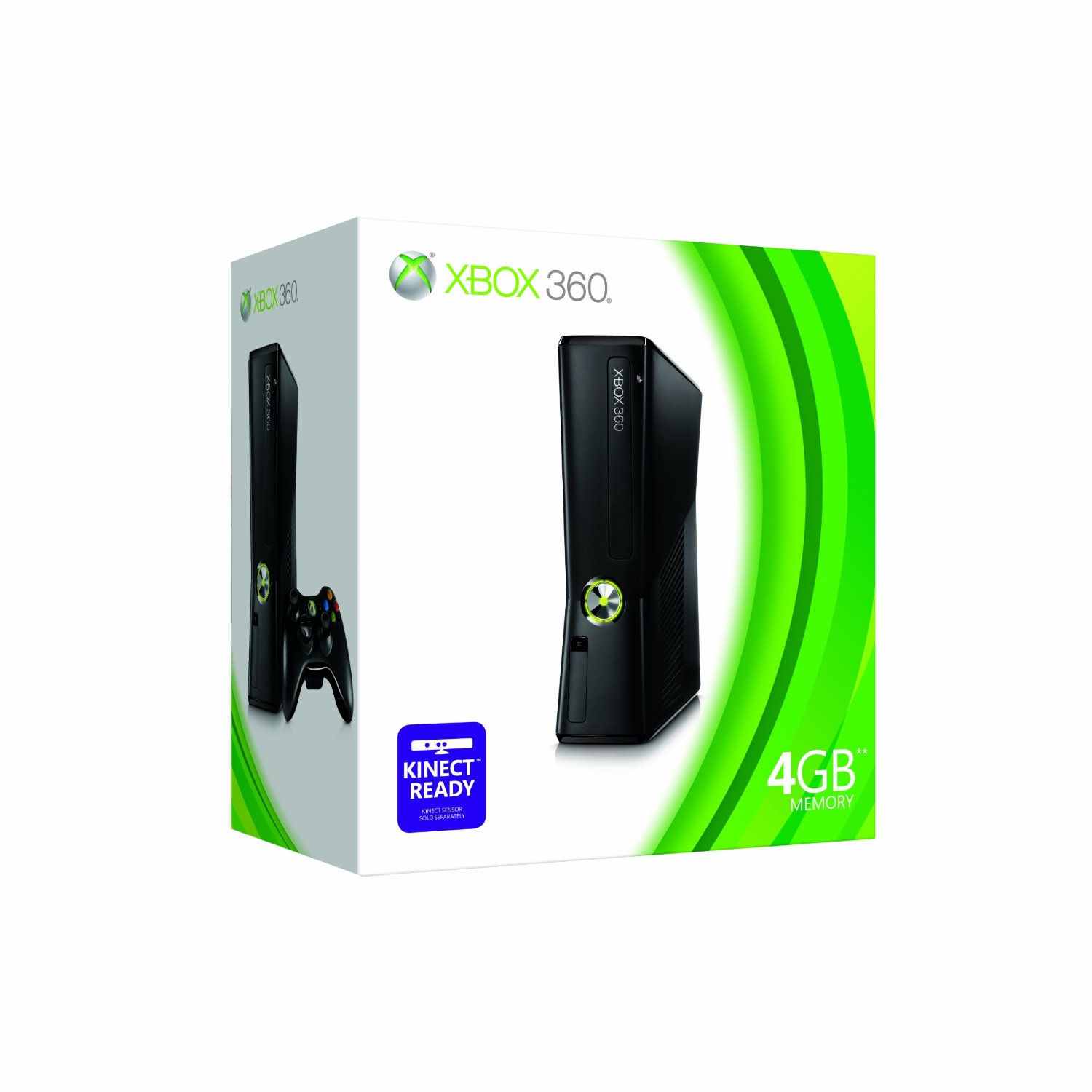
Xbox 360 HDMI cable problem with Display not supported
I just bought home a new Xbox 360, hooked up with my HDMI cable and the display worked perfectly. Then started the nightmare. I did a latest update with the console and display went blank and every time i started the 360 it gave “Display mode not supported” and there was no display. Even resetting the console (holding Y and RT) never worked for me no matter how many times i did resetting the console. I was using samsung 19” LCD TV with HDTV ready along with my Xbox.
I was very frustrated with this problem because initially the display worked at HDMI 1080p and now no display. My HDMI cable, Xbox were just everything fine after doing a thorough checkup. I had a weird feeling that update has got to do with the display problem.
I somehow fixed the problem by blindly playing with controller keys. Here is how you fix the problem to restore your display. Remember you have to do it blindly
Start Xbox and wait 1 min until it comes dashboard.
Press XBoX Guide button
Press RIGHT (2 times)
Press DOWN (3 times)
Press A (4 times)
Now you will be in display settings in xbox (blindly)
Press UP then A (see display comes back)
If there is no display, again..
Press UP then A (see if display comes up)
I got back my display back with UP and A second time and keep repeating the above step until you get the display.
I have seen this display issue with many people who done updates and hooked up with HDMI cable for Xbox. I hope this helps.
Similar Posts:
- PS3 vs Xbox360? which is best console?
- How to Fix: GTA 4 Blurs/Fuzzy Effect in PS3
- Can xbox 360 play games without hard drive?
- BSNL Error 691 – Access was denied because username/password was invalid on the domain
- GTA 4 Blur Problem with PS3!
- GTA Graphics looks much better in Xbox 360 than PS3
- i just bought PS3 with GTA4!!!!
- Xbox 360 graphics issue in GTA episodes from liberty city!
- How to Resolve Flicker Problem in LCD Monitors
- Kane & Lynch Crash Fix!


November 24, 2009
Thumbs up to you sir.
December 18, 2009
Haha, I love how you managed to get into the menus by accident and changed the video settings – and then remembered how you did it.
December 26, 2009
i cant get it to work i have the exact same problem as you and i tryed the buttons but it didnt work please help
December 26, 2009
Try again
Xbox guide > RIGHT (2 times) > DOWN (3 times) > Press A > Press A > Press A > Press A >
You are in Video settings HDMI menu. Press UP > then A, see if screen comes, else again Press UP > A.
January 11, 2010
Thanks you Sir.. You are the faqing man..
January 18, 2010
Thank you for this information, it solved the exact problem with me.
January 18, 2010
Nice one! Solved my problem, thanks.
January 20, 2010
fantastic fix, thanks so much. Two tips:
wait patiently for the dashboard to come up before you start bopping keys, it will take a bit and you’ll hear a little ’swoosh’ sound before it comes up.
wait between keystrokes, the first time I pressed ‘a’ too fast (I tested this when my display was working) and it didn’t record all of my presses.
January 28, 2010
I Cant get it to work no matter what I do.. It started the same way you talked about but the fix isn’t working at all.. I think I might go insane.
January 28, 2010
Try Press UP/DOWN then A for third time. Play around in that sequence.
January 31, 2010
I’m really getting the same outcome no matter what.. I am sure it’s the display setting because it started happening as soon as I got the last update from microsoft but I am also wondering if it might also be a combo of my tv?? Anybody having extra trouble with samsung model tv’s? I will also tell you that when I do the steps that are above the the message on the tv changes from ” Not supported mode ” to ” Weak signal ” but only for a few sec. then it will change back…. Please help!!
February 20, 2010
Try changing your HDMI cable.
February 3, 2010
fix of the year, nice work homes
February 13, 2010
there’s a mistake in the directions. the fourth line should say:
Press DOWN (4 times)
February 13, 2010
NO! i checked it with my xbox and the above is correct.
February 20, 2010
down 4 times worked for me!! thankyou guys!
February 21, 2010
OMG MAN Thank you so much . I dont no how u managed to remember ur directions but tbh i dont care now that it worked thank you so much man
February 22, 2010
You are the **** Man!!!!!!!!!!!
I’ve been surviving off of component cable for months now.
March 1, 2010
I did everything the exact same way that you showed it, and Its working. Thanks! Jack
March 7, 2010
Thanks, this actually worked
March 13, 2010
I have a new Xbox 360 Elite Winter, first time I connected HDMI didn’t work. I followed instructions and it did not work.
The problem is that at least in this Xbox I had to press DOWN 4 times instead of 3, to enter System Settings. I checked that using the comp cable.
After entering there and pressing up and A a few times I got to 1080p and it worked as I can now see!
Thanks
Special thanks to Microsoft for the bad design making us go there blindly.