
I have often wondered how to create 3D images of simple graphic images or photos that i have seen in many blogs and websites. Even examples of source code or screeshots of themes look amazing with 3d transformations.
Creating 3d transformations for your 2d images is nothing but projection at various anges (transformation) is amazingly simple with photoshop.
To use a 3d transform filter, you can use 3d transform tool or other third party plugins like shown below.
3D Transform tool
Just import an image in your photoshop,
Go to Filter > 3d Transform .
If you dont find the option of 3d transform, you can find the filter plugin in your adobe suite dvd in extras. Just place it on /plugins/filter folder inside photoshop.

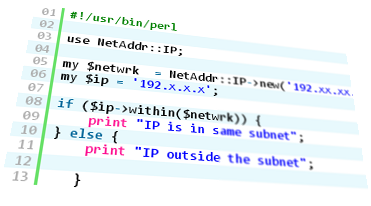
If you dont like the 3d transform tool difficult to work with, you can use the below 3rd party plugins,
Perspective Transformations
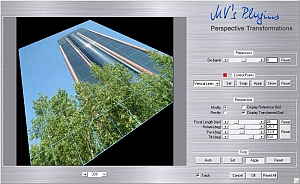
I very much liked this plugin and it is so easy to use. You can download here. It is free to download.
Projection Plugin
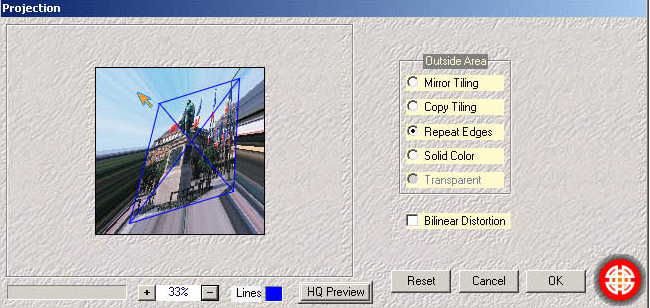
3d effects and perspective corner views can be achieved with this plugin. It is free to download as well. You can visit this page
